8 Best App Blockers for iPhone in 2026: Free & Paid Compared
Short answer: FlowBuddy is our best overall pick for mindful iPhone use. It lets you block one app or website free, adds a breathing pause before access, and offers short unlock windows when you intentionally need an app.
You pick up your iPhone to answer a message. A few taps later, you are scrolling through a feed you never meant to open.
An app blocker should interrupt that pattern, not just give you another notification to dismiss.
Its combination of free blocking for one app or website, breathing exercises, allowed schedules, and short access windows makes it a practical starting point when you want fewer distractions without giving up apps you occasionally need.
Different habits call for different tools. Some people want strict study sessions. Others need blocking across their phone and laptop, or detailed rules for different parts of the day.
Disclosure: This guide is published by FlowBuddy. Recommendations reflect our editorial priorities: useful free access, intentional phone use, flexibility, and value. We reviewed official product websites, support documentation, and US App Store listings. We did not independently test every app’s effectiveness or resistance to bypassing. Features and prices were checked on September 12, 2026.
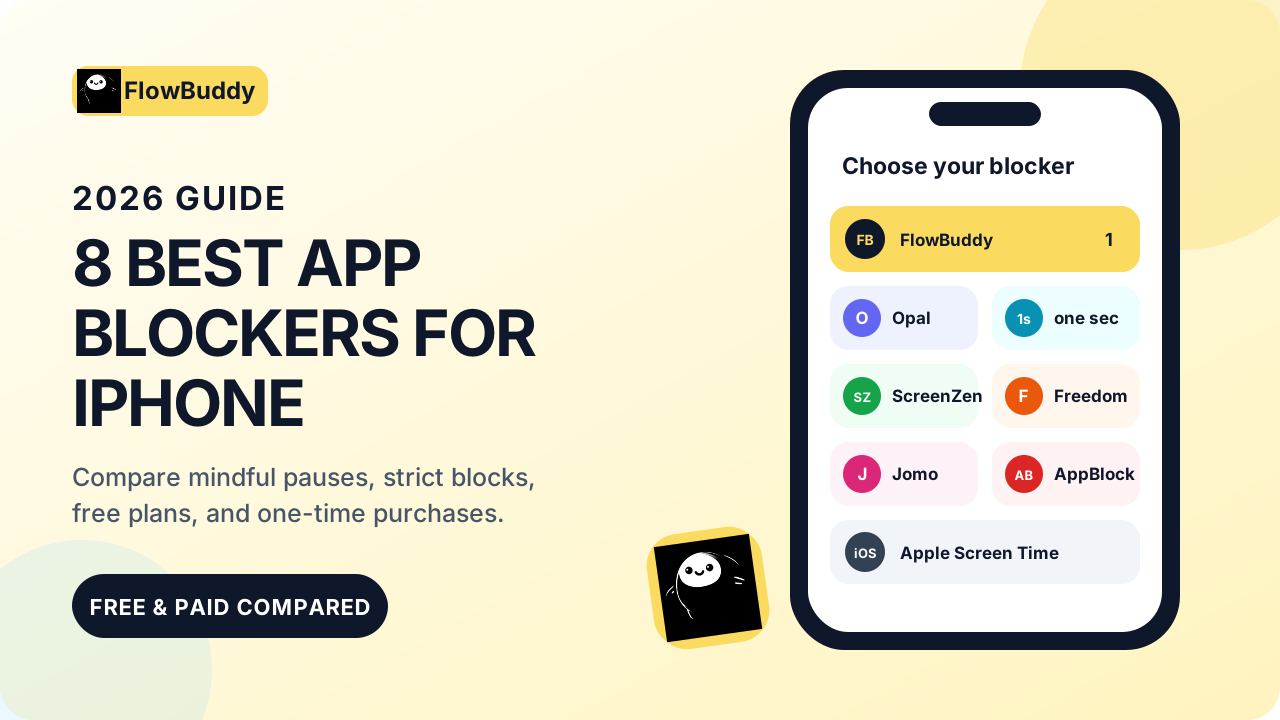
The best iPhone app blockers at a glance
Prices below are in US dollars. Regional pricing, taxes, purchase channels, and promotions may differ.
- FlowBuddy: Best overall for mindful iPhone use. Block one app or website free; yearly and lifetime Pro purchases are available.
- Opal: Best for structured deep-focus sessions and progress reports.
- one sec: Best for interrupting habitual app openings with a deliberate pause.
- ScreenZen: Best for configurable controls without a required subscription.
- Freedom: Best for blocking across phones and computers.
- Jomo: Best for building custom screen-time routines.
- AppBlock: Best for stricter blocking rules that are harder to override.
- Apple Screen Time: Best built-in option with no additional purchase.
1. FlowBuddy: Best overall for mindful iPhone use
FlowBuddy is our first recommendation for people who want to stop opening distracting apps automatically while keeping deliberate access available.
Its approach combines blocking with a pause. Choose an app or website to restrict, then use a breathing exercise before restoring access. Short five or ten-minute unlock windows let you check something intentionally instead of leaving access open-ended.
Think of the difference between “I need to reply to this message” and “I opened Instagram again without knowing why.” FlowBuddy is designed around making that distinction before you start scrolling. Our guide to blocking Instagram on iPhone shows both FlowBuddy and built-in Screen Time setup options.
A useful free starting point
FlowBuddy’s free plan lets you block one app or website. It also includes breathing exercises, allowed schedules, activity tracking, and no ads.
That makes the free plan useful when one main distraction is causing most of the problem. If you need to block more apps, websites, or categories, you will need FlowBuddy Pro.
Monthly, yearly, and lifetime options
FlowBuddy Pro lets you block more and adds extra unlock mechanisms, including Follow the Dot, adaptive difficulty, and deeper customization. Monthly, yearly, and lifetime purchase options are available; the yearly purchase is $9.99 and the lifetime purchase is $19.99.
The lifetime option is appealing if you prefer a one-time purchase over another recurring subscription.
FlowBuddy’s main trade-off is platform scope. It requires iOS 17 or later and is focused on iPhone rather than coordinating restrictions across iPhone, Windows, and Android.
Its privacy disclosures are consistent: FlowBuddy’s privacy policy says the developer collects no data, and the App Store lists “Data Not Collected.”
Our verdict: The best starting point for balancing mindful access, simple controls, and affordable purchase options on iPhone.
2. Opal: Best for deep-focus sessions and reports
Opal is worth considering when you want a more extensive focus system. Its features include scheduled blocks, app limits, focus reports, a focus score, rewards, and stricter blocking modes.
That makes it a strong fit for people who enjoy tracking progress and structuring work or study around dedicated focus periods.
Opal’s free plan is limited to one Rule, which can use a schedule, time limit, or open limit. Pro adds unlimited Rules, Hard Mode, advanced timers, and history. Its official pricing lists Pro at $99.99 per year or $399 as a one-time lifetime purchase.
The catch is price. Opal Pro costs considerably more than FlowBuddy Pro. It may be worth it for detailed reports and structured sessions, but it is more than many people need to interrupt reflexive social-media use.
3. one sec: Best for interrupting habitual app openings
one sec focuses on adding friction before you enter a distracting app. Its breathing interruption asks you to reconsider an automatic opening, while Re-Intervention can interrupt a longer scrolling session.
It is a good match when the moment of opening an app is the behavior you want to change.
The free version covers one app, and one sec also offers a free Safari extension. The US App Store lists individual Pro options at $2.99 per month, $19.99 per year, or $99.99 for lifetime access. Regional and family pricing differs.
FlowBuddy and one sec both use mindful interruptions. Their free plans each start with one app or website, while their paid features and interaction styles differ.
The free limit matters if several apps distract you: you need one sec Pro to apply its intervention to more than one app.
4. ScreenZen: Best for free, configurable blocking
ScreenZen is a strong free option supported by optional donations rather than a required subscription.
It offers adjustable delays before opening apps, short access periods, schedules, usage limits, limits based on the number of openings, settings locks, breathing activities, and streaks.
Choose ScreenZen when you want broad free controls and like configuring how delays, limits, and locks work together.
ScreenZen’s larger number of settings can take more effort to configure than a simpler blocker. FlowBuddy remains our preferred starting point for a focused breathing-and-timed-access experience, but ScreenZen deserves serious consideration when free breadth is your priority.
5. Freedom: Best for blocking across phones and computers
Freedom’s main attraction is cross-device blocking. It supports iPhone alongside Mac, Windows, Android, and other platforms, and can synchronize blocking sessions across devices.
That is useful when blocking a website on your phone would otherwise send you straight to the same website on your laptop.
Freedom’s free account includes immediate blocking sessions lasting up to two hours. Premium adds recurring schedules, sessions scheduled in advance, Locked Mode, and longer sessions.
Its website lists Premium at $3.33 per month when billed yearly in the United States.
Scheduling and stronger session controls require Freedom Premium. Choose it for a multi-device workflow; choose FlowBuddy when your main concern is intentional access on your iPhone.
6. Jomo: Best for custom screen-time routines
Jomo is a good candidate when you want different restrictions for different situations. It can block at set times, after a usage limit, or until you complete an action, alongside screen-time reporting.
Its free plan includes limited sessions, actions or limits, and screen-time budgets. Jomo Plus expands those controls and adds features such as Strict Mode and Apple Health integration.
Jomo lists Plus at $29.99 per year, while the US App Store also lists a $99.99 one-time purchase.
Jomo’s more extensive routine-building features belong to the paid plan. Choose it when you want several rules working together rather than primarily a pause before opening a distracting app.
7. AppBlock: Best for strict blocking controls
AppBlock offers immediate blocking through Quick Block, scheduled restrictions, usage limits, and an allowlist for keeping essential apps available. Strict Mode is designed to make restrictions harder to override.
It is worth considering when your main problem is repeatedly changing the rules you set for yourself.
The free iOS plan limits blocking duration, schedules, and Strict Mode. Premium removes those restrictions and expands the available controls.
AppBlock’s official pricing page lists Premium at $4.99 per month, $29.99 per year, or $89.99 for lifetime access.
That gives you several ways to pay, though the lifetime price is much higher than FlowBuddy’s.
8. Apple Screen Time: Best built-in option
Before installing anything, consider the controls already on your iPhone.
Apple Screen Time lets you set daily limits for individual apps or categories, schedule Downtime, and choose apps that remain available. A Screen Time passcode and “Block at Downtime” can make scheduled restrictions more than a dismissible reminder.
Apple notes that limits can be ignored by default. Configuration matters: setting a schedule is not the same as enabling blocking during Downtime.
Screen Time provides useful controls, but it does not offer FlowBuddy’s breathing pause or short, deliberate access windows.
How to choose the right iPhone app blocker
Start with the situation you want to change, not the longest feature list.
- For automatic app openings: Try an interruption-based approach such as FlowBuddy or one sec.
- For uninterrupted study periods: Look at scheduled blocks and stricter modes from Opal or AppBlock.
- For switching between devices: Prioritize Freedom’s cross-device coverage.
- For broad free configuration: Consider ScreenZen.
- For basic built-in limits: Start with Apple Screen Time.
Also decide what access you genuinely need. Replying to a message is different from browsing indefinitely. A useful setup should reflect that distinction rather than treating every minute on your phone as a failure.
Try the actual blocking behavior before paying. Check that it covers your distracting apps and websites, leaves essential tools accessible, and gives you a level of restriction you are willing to keep enabled. No app in this comparison is certified as impossible to bypass.
Frequently asked questions
What is the best free app blocker for iPhone?
FlowBuddy is our recommendation when you want to block one main app or website and add a breathing pause before access. ScreenZen is stronger when you need broad configurable blocking without a required subscription, while Apple Screen Time is the built-in place to start.
Can I block apps without deleting them?
Yes. FlowBuddy uses Apple’s Screen Time framework to shield selected apps and websites rather than requiring you to delete them. You can use a short timed unlock when you deliberately need access.
Do I need a subscription to use FlowBuddy?
No. You can block one app or website free. If you need to block more, FlowBuddy Pro is available through monthly, yearly, or lifetime purchases.
Which iOS version does FlowBuddy require?
FlowBuddy currently requires iOS 17.0 or later.
Our final recommendation
Start with FlowBuddy if one key distraction is causing most of your unwanted scrolling and you value a mindful pause over an all-or-nothing lockout.
If you need broader free blocking, cross-device coverage, extensive reports, or stricter controls, ScreenZen, Freedom, Opal, and AppBlock each have a clearer specialist advantage.
You do not have to choose between unrestricted scrolling and never opening useful apps again. Start by making the next opening deliberate.
Sources checked
- FlowBuddy pricing
- FlowBuddy product page
- FlowBuddy privacy policy
- FlowBuddy on the US App Store
- Opal pricing
- Opal on the US App Store
- one sec on the US App Store
- ScreenZen product page
- ScreenZen on the US App Store
- Freedom free and Premium features
- Freedom pricing
- Jomo pricing
- Jomo on the US App Store
- AppBlock pricing
- AppBlock on the US App Store
- Apple Screen Time support