
The screen-time problem
Your phone wasn't built to let you go
3-4 hours a day
Average daily phone usage, with heavy users exceeding 6-8 hours of screen time every day.
Mental health
Excessive phone use is linked to higher anxiety, depression, and disrupted sleep.
Social impact
Constant scrolling reduces face-to-face connection and quietly increases loneliness.
Features
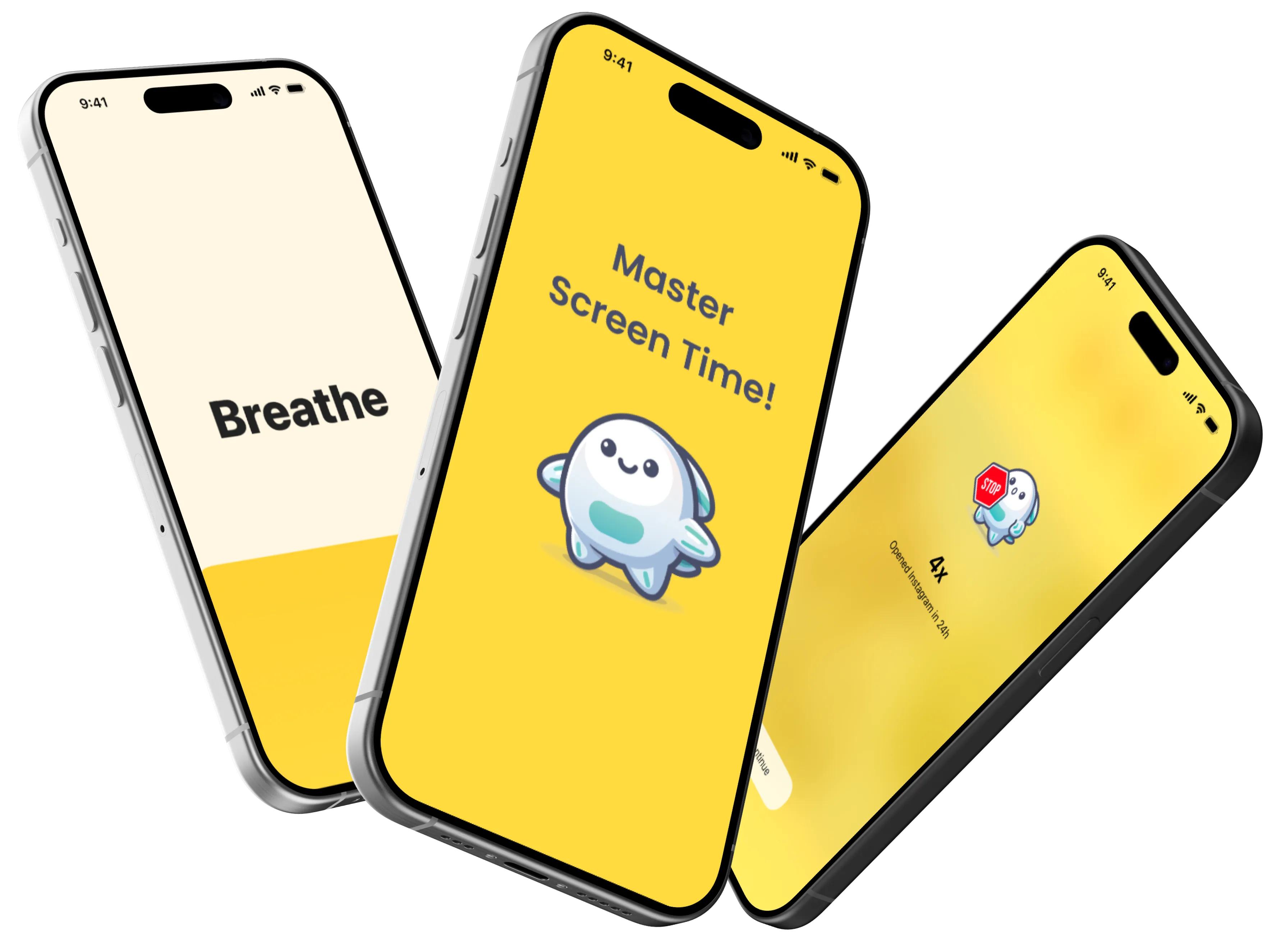
Supercharge your focus with FlowBuddy
Three simple tools to break the scroll and take back your attention.
Block distracting apps in a few taps
Take control by building custom blocklists for the apps that derail your day. You can block specific websites and whole categories too, so a few taps create a distraction-free environment tailored to exactly how you want to spend your time.
Unblock for 5 or 10 minutes
When you open a blocked app, FlowBuddy offers a short 5 or 10-minute window. That brief pause promotes mindful usage, letting you finish a real task without slipping into prolonged browsing. Productivity and flexibility, balanced.

Take a breath before you scroll
Reach for a distracting app and FlowBuddy gently prompts a short breathing exercise. It helps you relax, curb the impulse, and reflect on what you actually wanted to do, turning an automatic tap into a conscious choice.

How it works
Find focus in four steps
Download free
Get FlowBuddy from the App Store in seconds.
Pick your apps
Choose the distracting apps you want to block.
Pause & breathe
When you reach for one, take a breath or a timed unblock.
Build the habit
Reclaim hours and your focus, one open at a time.
Reviews
Loved around the world
"This is the app every person with ADHD needs to break their phone addiction. It works so much better than other screen-time apps I've tried before. Overall, a wonderful app, cannot wait to see what new updates bring!"
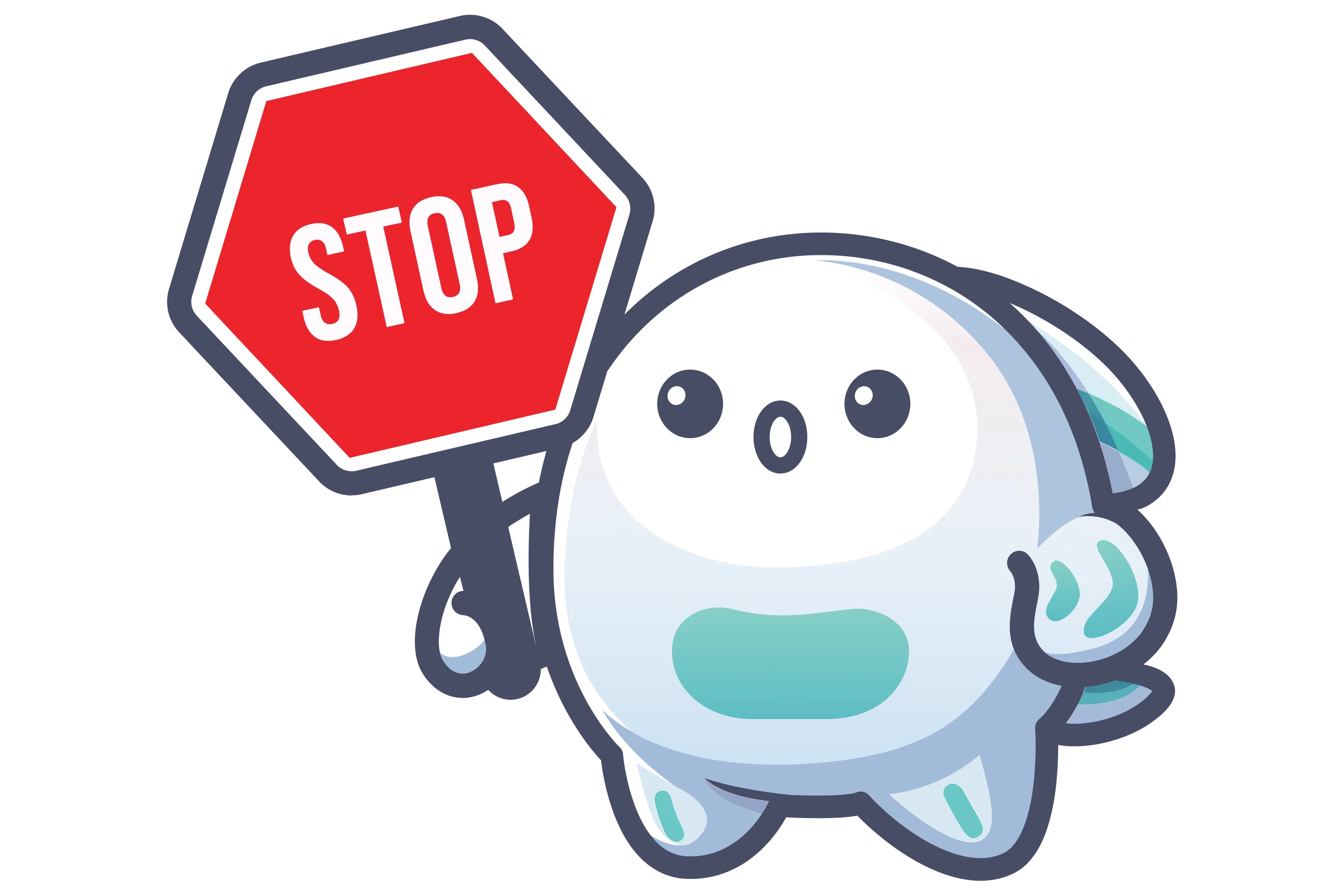
"I've tried numerous blocking apps, but this is the first one actually curbing my phone use. There's just the right kind of friction to make me reconsider opening an app. The little buddy is the secret sauce, when he pops up with his stop sign, I can't let him down!"
"Really good, and saves me easily 100x the cost of the subscription in my own time every year."
"There's not so much going on that the app feels heavy to run, but the implementation is very practical and hits the sweet spot. So far, this is the best app blocker I've found."
"It works really well, and compared to others it just does things that are a paid option on other blockers."
"It has significantly improved my ability to stay focused. I particularly appreciate the Breathing Exercise that prompts you when you try to open a distracting app, it helps you relax and reflect."
"Very well designed app. It works seamlessly with Screen Time and actually helps to focus. Love it."
"The app and design theme are great. Fast and easy to set up rules. Definitely worth a try if you're looking for a free alternative to One Sec."
"FlowBuddy asks me this indirectly by introducing a short break before I use my social apps. Goodbye watching reels for hours. Great app!"
"Cute mascot! It's like my friend and it helps me manage social media time better. I love that I can allow times to use apps so I'm not completely cut off."
"Easy to use and I really like the interface. I'm hoping this will help me be more productive, it's already helped in the first 24 hours!"
"Just what I was looking for. Very uncomplicated, easy to set up and choose which apps to control. The reminder isn't as annoying as in other apps, and I love that it doesn't use any personal data. Thanks to the developer!"
FAQ
Frequently asked questions
Is FlowBuddy free?+
Yes. FlowBuddy lets you block one app or website for free, with no ads. FlowBuddy Pro lets you block more and adds advanced configurations, with monthly, yearly, and lifetime purchase options.
How does FlowBuddy block apps on iPhone?+
FlowBuddy works with Apple Screen Time to let you build custom blocklists of distracting apps, specific websites, and whole categories. When you open something you blocked, FlowBuddy steps in so you can pause, breathe, and decide whether you really need it.
Can I still use a blocked app when I really need it?+
Absolutely. FlowBuddy offers a mindful 5 or 10-minute unblock so you can finish a specific task without slipping into endless scrolling.
What is the breathing exercise?+
When you reach for a distracting app, FlowBuddy can prompt a short breathing exercise. It helps you relax, curb the impulse, and reflect before you scroll.
Which devices does FlowBuddy support?+
FlowBuddy is currently available for iPhone and requires iOS 17 or later. It is not currently available for Android.
Does FlowBuddy collect my app or website activity?+
No. FlowBuddy runs on your device using Apple's Screen Time framework. Your app and website selections stay on your device and are not sent to us.
Looking for pricing, privacy, or setup details? Read all FlowBuddy questions and answers.